To remove a program from Windows ME, follow these steps:
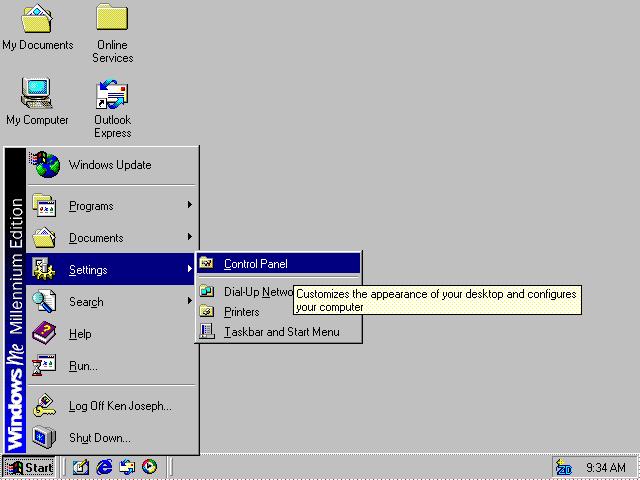
- Open the Start menu and select Control Panel from the Settings submenu.
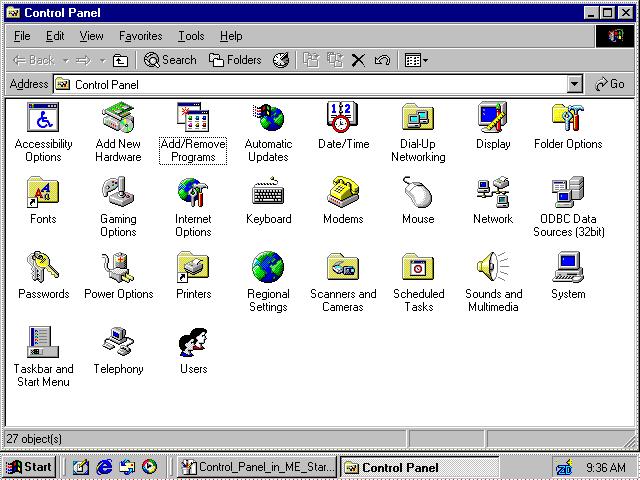
- In Control Panel, double-click on Add/Remove Programs.
- In the Install/Uninstall tab of the Add/Remove Programs window, select the program you want to remove.
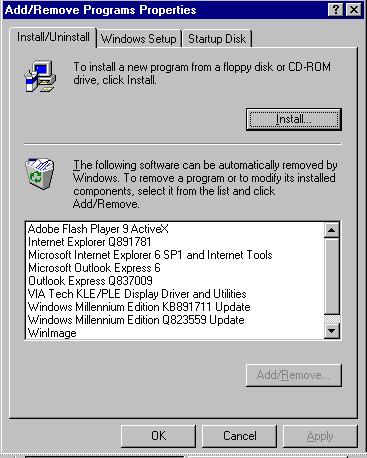
- Click the Add/Remove... button.
No comments:
Post a Comment